Quick PC Setup
Debloat, install essentials, and apply tweaks - no experience needed
The ultimate Windows debloating and optimization tool for power users
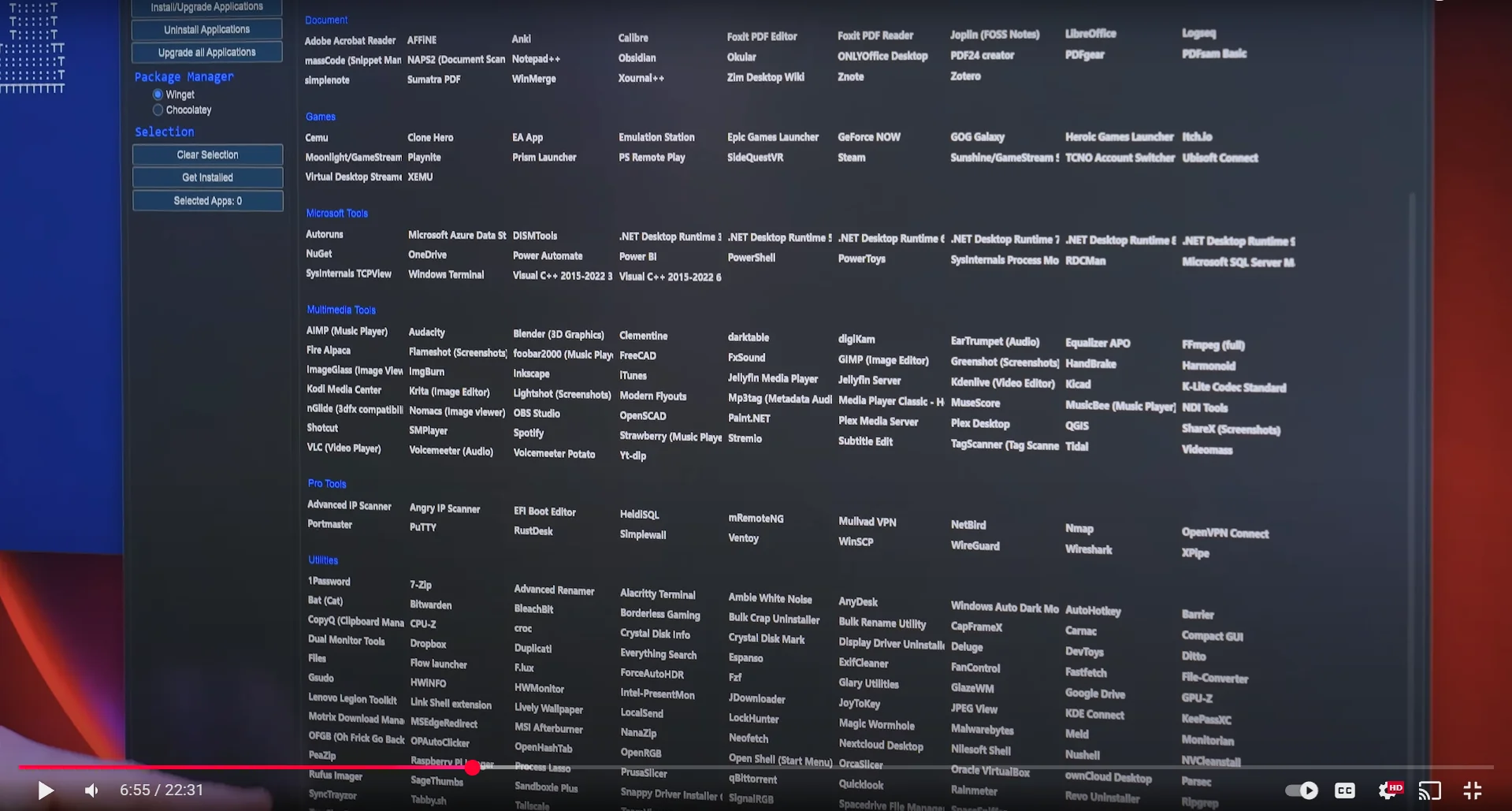
Install Essential Software
Click to enlarge
What is Windows Tool?
A powerful PowerShell script that debloats Windows, disables telemetry, and lets you install essential apps like Steam, Discord, and VLC with one click. DISCLAIMER: Watch the video first if you're new to PC setups - this tool can cause issues if misused.
Run It
Open PowerShell as Administrator and run:
irm christitus.com/win | iexFully GUI-driven - installs apps, removes bloat, and applies tweaks. Or visit the official site:
The Linux companion to the Windows Tool - install essentials, tweak system settings, and configure your distro in minutes
What is linutil?
linutil is Chris Titus's open-source TUI (terminal user interface) for Linux setup and configuration. Run it with a single curl command - no download or install needed. Supports Ubuntu, Fedora, Arch, Debian, and more. Installs essentials and configures your distro from a clean interactive menu.
Run It
Open a terminal and run:
curl -fsSL https://christitus.com/linux | shRequires curl (pre-installed on most distros). Review source at github.com/ChrisTitusTech/linutil before running if preferred.
Think your PC is infected?
Don't panic. Follow our step-by-step guide - Diagnosis, Backup, and Recovery - to safely contain the damage and get back to a clean system.